iPhone OnlyFans Domination: Boost Content, Rule the Platform
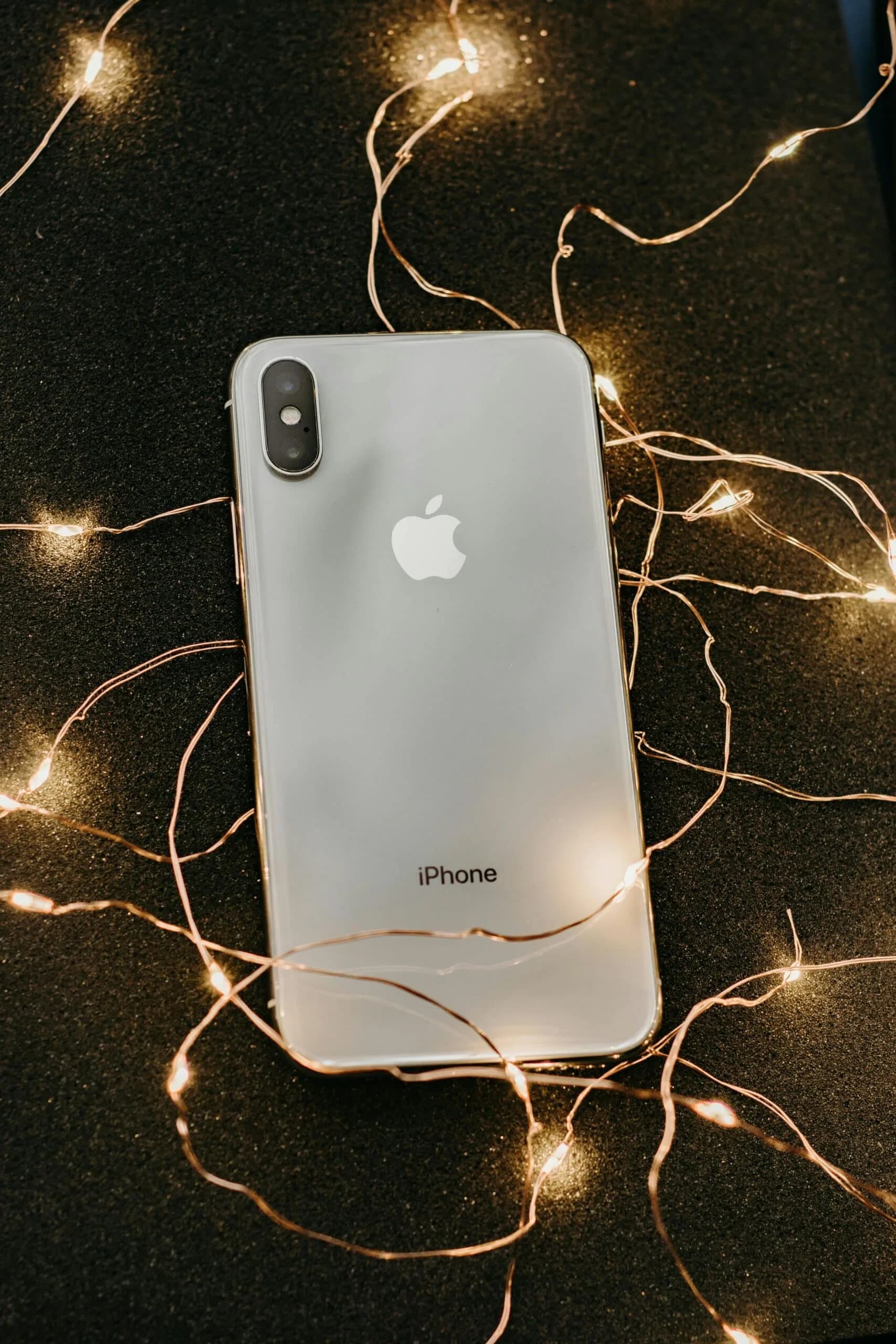
iPhone OnlyFans Domination: Boost Your Content and Rule the Platform
You do not need a professional camera to create stunning OnlyFans content. Your iPhone OnlyFans setup can produce results that rival expensive professional equipment when you know how to use it correctly. At Bunny Agency, many of our top-earning creators shoot exclusively on their iPhones, proving that technique and strategy matter far more than gear.
Why iPhone Is Perfect for OnlyFans Content
The latest iPhones come equipped with camera technology that would have cost thousands of dollars in standalone equipment just a few years ago:
- ✓Advanced computational photography that automatically enhances images
- ✓Cinematic mode for professional-quality video with depth effects
- ✓ProRes video for high-quality footage that holds up during editing
- ✓Night mode for exceptional low-light photography
- ✓Ultra-wide lens for creative angles and environmental shots
- ✓Slow-motion and time-lapse for dynamic content variety
Essential iPhone OnlyFans Camera Settings
Optimizing your iPhone settings is the first step to better content:
For Photos
- ✓Shoot in HEIF format for better quality at smaller file sizes
- ✓Enable the grid overlay for better composition using the rule of thirds
- ✓Use the two-times zoom on Pro models for more flattering portrait-style shots
- ✓Turn on Live Photos for selecting the best frame from a burst of motion
For Video
- ✓Shoot in 4K at 30fps for the best balance of quality and file size
- ✓Enable stabilization for smoother handheld footage
- ✓Use cinematic mode for professional depth-of-field effects
- ✓Record in ProRes if you plan to edit extensively
Lighting Techniques for iPhone OnlyFans Content
Lighting is the single most important factor in content quality, and your iPhone OnlyFans content is no exception:
Natural Light
- ✓Position yourself facing a large window for soft, flattering illumination
- ✓Shoot during golden hour (shortly after sunrise or before sunset) for warm, gorgeous lighting
- ✓Avoid direct overhead sunlight which creates harsh shadows
Artificial Light Setup
- ✓A ring light provides even, flattering illumination perfect for face and body shots
- ✓LED panels offer adjustable color temperature and brightness
- ✓Place your main light slightly above eye level and angled at 45 degrees for the most flattering result
- ✓Add a second light behind you for depth and dimension
Must-Have iPhone Accessories
Elevate your iPhone OnlyFans setup with these affordable accessories:
- ✓Tripod with phone mount — essential for solo shooting and steady footage
- ✓Bluetooth remote — trigger your camera from a distance without touching the phone
- ✓Clip-on lenses — wide-angle and macro lenses expand your creative options
- ✓Portable ring light — compact and affordable lighting solution
- ✓Phone stabilizer or gimbal — creates smooth, professional-looking video movement
- ✓External microphone — dramatically improves audio quality for video content
Best Editing Apps for iPhone OnlyFans Content
Photo Editing
- ✓Lightroom Mobile — professional-grade editing with customizable presets
- ✓VSCO — popular filters and editing tools for consistent aesthetic
- ✓Facetune — retouching and enhancement tools
- ✓Snapseed — powerful free editing from Google
Video Editing
- ✓CapCut — feature-rich free editor with trending effects
- ✓InShot — intuitive editing with great social media optimization
- ✓LumaFusion — professional-level video editing on iPhone
- ✓iMovie — free Apple editor with solid basic features
Content Creation Workflow for iPhone OnlyFans
Establish an efficient workflow for consistent content production:
- 1Plan your content — know what you want to shoot before picking up your phone
- 2Set up your space — clean background, proper lighting, phone positioned correctly
- 3Shoot in batches — create multiple pieces of content in one session
- 4Edit consistently — apply similar editing across all content for brand cohesion
- 5Organize your library — use albums to categorize content by type and posting status
- 6Schedule posts — upload and schedule content in advance on OnlyFans
Advanced iPhone OnlyFans Tips
Use Portrait Mode creatively for shots with beautiful background blur that makes your subject pop.
Experiment with angles — hold your phone at different heights and angles to find the most flattering perspectives for different types of content.
Utilize slow motion for dynamic content that stands out in subscriber feeds.
Create time-lapses of your content preparation or daily routines for engaging behind-the-scenes material.
Bunny Agency's Content Creation Support
At Bunny Agency, we provide content strategy guidance tailored to each creator's equipment and situation. Whether you shoot on an iPhone or professional camera, our content strategists help you maximize the quality and impact of every piece of content you create.
Apply to Bunny Agency and get personalized content creation guidance from industry experts.
Frequently Asked Questions
Can I create professional OnlyFans content with just an iPhone?
Absolutely. Modern iPhones have advanced camera capabilities that produce professional-quality photos and videos. Many top Bunny Agency creators shoot exclusively on their iPhones. The key is proper lighting, composition, and editing rather than expensive camera equipment.
What is the best iPhone OnlyFans lighting setup?
A ring light is the most popular and effective option for iPhone OnlyFans content. Position it slightly above eye level for flattering illumination. Natural window light is also excellent and completely free. The key is consistent, soft lighting that minimizes harsh shadows.
What editing apps should I use for iPhone OnlyFans content?
Lightroom Mobile and VSCO are excellent for photo editing with consistent presets. CapCut and InShot are top choices for video editing. All of these apps are free or affordable and provide professional-level editing capabilities on your iPhone.

CEO & Founder, Bunny Agency
Sophia Brecht founded Bunny Agency in 2019 with a mission to bring professional talent management to the creator economy. Under her leadership, Bunny Agency has grown to 112+ team members across six international studios, managing 400+ creators who average $55,000 in monthly earnings. Sophia writes and edits all strategic content published on the Bunny Agency blog.
More from the Blog
How to Utilize Tools to Enhance Your Content and Reach
Let's talk about the Role of Technology to Boost Your Content in OnlyFans and which possible advantages and disadvantages OnlyFans tools can bring.
Read more →10 Amazing OnlyFans Content Ideas to Boost Engagement
10 OnlyFans content ideas that increase engagement and subscriber retention. Bunny Agency shares simple post formats that fans consistently respond to.
Read more →Top 3 Dating Apps to Help Boost Your OnlyFans Promotion
Top 3 Dating Apps tfor OnlyFans Promotion. Read this article now and start earning more money on OnlyFans.
Read more →Ready to Grow Your OnlyFans With a Professional Team?
Bunny Agency manages 400+ creators averaging $55K/month. Apply today for a free consultation with our team.